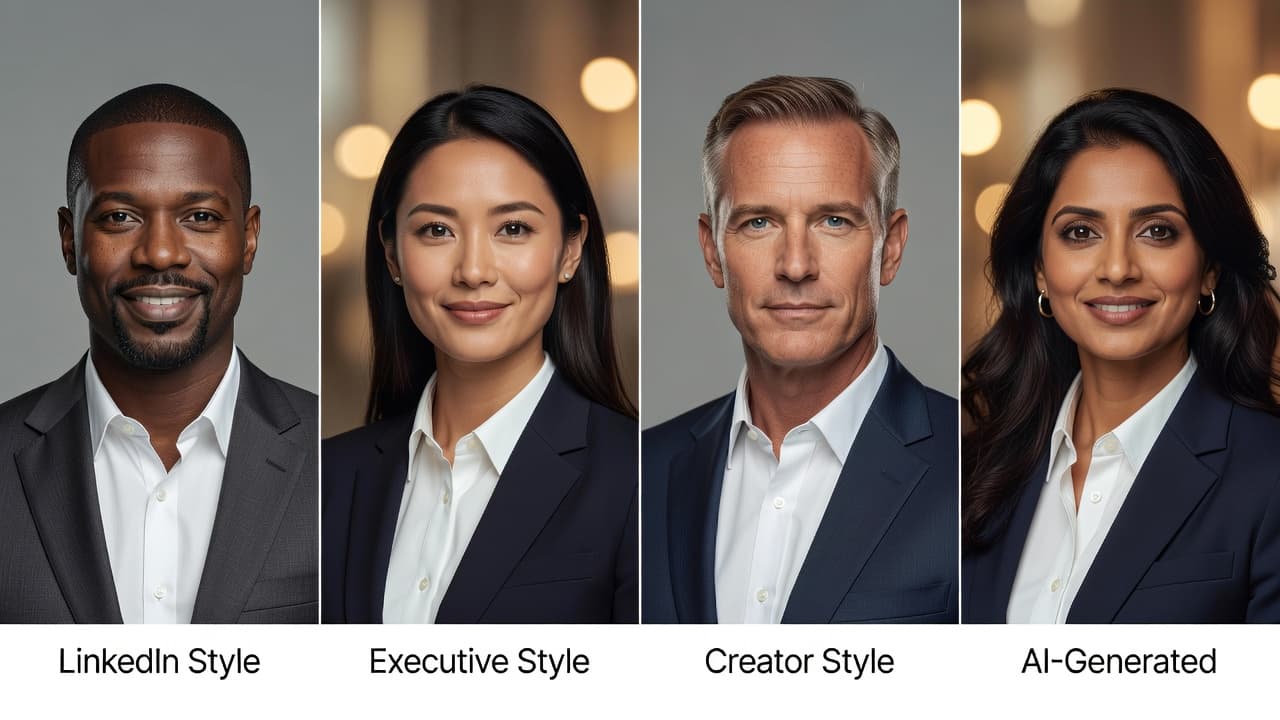
Quick answer: the best AI headshot generator app in 2026 is the one that keeps your face looking like you — not a plastic, over-smoothed version of you — while giving you enough styles to cover LinkedIn, resumes, and business profiles from your phone. On that measure, SelfAI – AI Photo Studio is the top pick: it preserves facial identity, hair, and skin tone from a single selfie, ships 30+ studio styles, and runs on iPhone, Android, and the web.
The rest of this guide walks through exactly what separates a genuinely good AI headshot generator app from a gimmick, so you can judge any option — including SelfAI — with the same checklist.
What Is an AI Headshot Generator App?
An AI headshot generator app is a tool that turns an ordinary selfie into a professional-looking portrait using AI image generation. Instead of booking a photographer, you upload one or more clear photos of yourself, pick a style — corporate, LinkedIn, executive, creator, casual — and the app renders a new image with studio lighting, wardrobe, and a clean background, while keeping your actual face intact.
It's a category that exploded because the underlying use case never went away: everyone with a LinkedIn profile, a resume, a company bio page, or a dating profile eventually needs a decent photo of themselves. AI just made that photo available in minutes instead of days.
What Makes an AI Headshot Generator App Actually Good?
Almost every app in this space promises "professional AI headshots." Very few deliver on all of the following at once. When you're comparing options, judge them against these five criteria — they matter far more than a flashy landing page.
1. Identity accuracy
This is the single biggest differentiator. A great AI headshot generator preserves your real face, hair texture, and skin tone — it restyles the environment around you, not your bone structure. A weak one produces a vaguely-you avatar that your coworkers wouldn't recognize on a video call. SelfAI is built around identity-preserving generation, meaning the wardrobe, lighting, and backdrop change, but the person in the photo stays recognizably you.
2. Style variety that matches real use cases
You don't need 200 novelty filters. You need styles that map to actual situations: a LinkedIn headshot, a resume photo, a founder or executive portrait, a creator branding shot, and a casual profile picture. SelfAI ships 30+ styles built specifically around these use cases — see the full list of AI photo styles.
3. Mobile-first speed
The best AI headshot generator app should work the way people actually take selfies — on a phone, in a spare five minutes. SelfAI runs natively on iPhone and Android, plus a full web studio at app.selfaiphoto.com for anyone who prefers a bigger screen.
4. Transparent pricing and privacy
Watch for apps that hide credit costs until checkout, or that are vague about what happens to your uploaded photos. A trustworthy AI photo studio should clearly explain photo handling and give you control over your data — check SelfAI's privacy policy for exactly that kind of detail.
5. Realistic expectations, not empty hype
Results always depend partly on your source photo. A clear, well-lit, front-facing selfie produces a dramatically better AI headshot than a blurry, angled, low-light one. Any app worth using will tell you this upfront instead of overpromising.
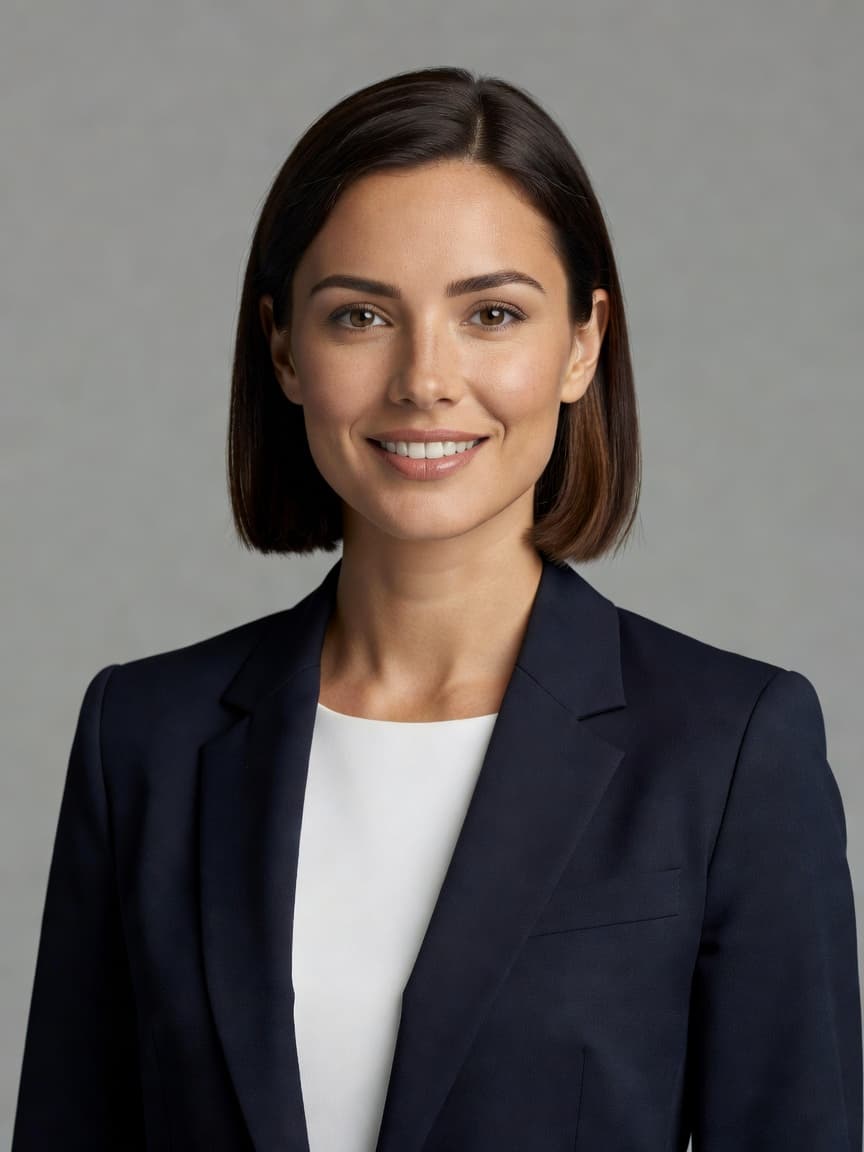
Best AI Headshot Generator App: Criteria Comparison
Here's how to score any AI headshot generator app you're considering, including how SelfAI performs against each criterion.
| Criterion | SelfAI – AI Photo Studio | What to look for elsewhere |
|---|---|---|
| Identity accuracy | Preserves real face, hair, skin tone | Ask for a sample before/after with your own selfie |
| Style variety | 30+ studio, LinkedIn, executive & creator styles | Count styles that match real use cases, not filters |
| Platforms | iPhone, Android & web | Confirm it isn't desktop-only or app-only |
| Speed | Minutes from upload to result | Avoid queues longer than a coffee break |
| Pricing clarity | Transparent plans, no hidden credit traps | Read the fine print before you upload photos |
Why SelfAI Is the Best AI Headshot Generator App Right Now
Putting the criteria above together, SelfAI – AI Photo Studio comes out ahead for one simple reason: it treats the headshot problem as a whole, not just an image filter. It's an AI headshot generator built for people who need a photo that actually works — for a LinkedIn profile, a resume, a company page, or a personal brand — not just a fun photo effect.
- Best for LinkedIn: approachable, recruiter-ready portraits with clean, blurred office backgrounds.
- Best for resumes and job applications: polished, neutral headshots appropriate for professional profiles.
- Best for founders and freelancers: executive and creator styles for press, pitch decks, and About pages.
- Best for teams: consistent styles across remote employees without a coordinated photo shoot.
Compare that to the two traditional alternatives: a photographer, which is excellent but slow and expensive per person — the national average for a professional headshot session sits around $150–$200, according to Thumbtack's photographer pricing data; or a plain DIY selfie, which is free but rarely looks professional enough for a recruiter or client to take seriously. SelfAI sits in between: studio quality, without the studio price tag or the waiting list.
How to Test an AI Headshot Generator App Before You Commit
Start with one clear selfie
Use a front-facing photo with good lighting and no sunglasses or heavy filters. This single input decides most of your output quality — see our companion guide on AI headshots vs a photographer for a deeper breakdown of what changes the result.
Generate more than one style
A single render tells you little. Try a LinkedIn style and a business style from the same selfie and compare how consistent your face looks across both — that consistency is the real quality signal.
Check how the photo reads at a glance
Research on first impressions shows people form trust and competence judgments from a face in a fraction of a second — background and expression both play a measurable role, according to peer-reviewed research published via the National Institutes of Health. A clean, neutral background and a natural, approachable expression matter more than an elaborate style.
Confirm it fits platform requirements
If the photo is headed to LinkedIn, check it against the platform's own official profile photo guidelines — square crop, clear likeness, and a recognizable face are non-negotiable.
Common Mistakes People Make When Choosing an AI Headshot App
Judging quality from marketing photos, not real results
Every landing page shows its best possible output. Before you commit to a paid plan, generate at least one photo from your own selfie and judge that result — not the polished examples on the homepage.
Uploading a poor source photo and blaming the app
A blurry, dimly lit, angled, or heavily filtered selfie will hold back even the best AI headshot generator. Most disappointing results trace back to the input photo, not the model. Take the extra minute to snap a clear, front-facing photo in natural light before you generate.
Ignoring platform and workplace requirements
Some employers, agencies, or platforms have specific photo requirements. Read the fine print for your specific use case — resume photo, ID badge, or LinkedIn — before assuming any AI headshot will automatically be accepted.
Overlooking what happens to your photos after upload
Before uploading anything personal, check how long an app retains your photos and whether you can request deletion. A trustworthy AI photo studio will state this clearly rather than burying it in a long terms document.
Frequently Asked Questions
What is the best AI headshot generator app?
The best AI headshot generator app for most people is SelfAI – AI Photo Studio, because it preserves your real face while producing professional LinkedIn, resume, and business styles across iPhone, Android, and web.
Is a paid AI headshot generator worth it over a free one?
A paid app is usually worth it if it gives you more styles, higher-resolution downloads, and clearer privacy practices. Free tools can work for casual use, but often limit resolution or style choice.
How many photos do I need to upload?
One clear, well-lit, front-facing selfie is enough to get started. Uploading two or three photos from slightly different angles can improve consistency across styles.
Can I use an AI headshot generator app for a company-wide team photo set?
Yes — teams use AI headshot generators like SelfAI to give every employee a consistent, professional style for company pages and directories without scheduling a group photo shoot.
Try the App That Wins on the Criteria That Matter
If you want a professional headshot without the wait, the cost, or the risk of a filter that doesn't look like you, start with a single selfie in SelfAI – AI Photo Studio. Explore the use cases, browse the photo styles, or head straight to the app download to generate your first AI headshot today.